We Built a Chrome Extension That Carts GPUs for You
Last month, an RTX 5090 AORUS MASTER dropped on Best Buy at 9:47 AM on a Tuesday. Our Discord lit up. Hundreds of people saw the alert within a minute. By the time most of them opened Best Buy, found the listing, and clicked Add to Cart, the card was gone. The whole window lasted maybe four minutes. We kept hearing the same thing from our users: "I saw the alert, I just wasn't fast enough." So we did something about it.
The real bottleneck isn't the alert
We've spent months making StockMaid's alerts as fast as possible — Discord pings, premium email notifications, state-level availability tracking. And the alerts are fast. The problem is everything that happens after.
Think about what you actually do when a restock alert hits your phone. You stop what you're doing. You open a browser. You navigate to Best Buy. You find the product. You click Add to Cart. Maybe you have to select a pickup store. Maybe the page takes a second to load. All of that adds up to two or three minutes on a good day, and during a 5090 drop, two minutes might as well be two hours.
The alert was never the bottleneck. The bottleneck was the checkout sprint that comes after it.
So we built a Chrome extension that does the sprinting for you
The Checkout Assistant is a Chrome extension for StockMaid premium members. Once you install it and log into StockMaid, it pulls your tracked products automatically — whatever GPUs you're watching on the site, the extension watches too. It polls Best Buy availability every 30 seconds in the background while you do literally anything else.
When something you're tracking comes back in stock, the extension opens the Best Buy product page, finds the Add to Cart button, and clicks it. If it's a pickup-only drop, it picks a store near you based on the state preferences you already set in StockMaid. Once the card is in your cart, you get a Chrome notification that says "Go to Cart" — and from there, you take over and pay.
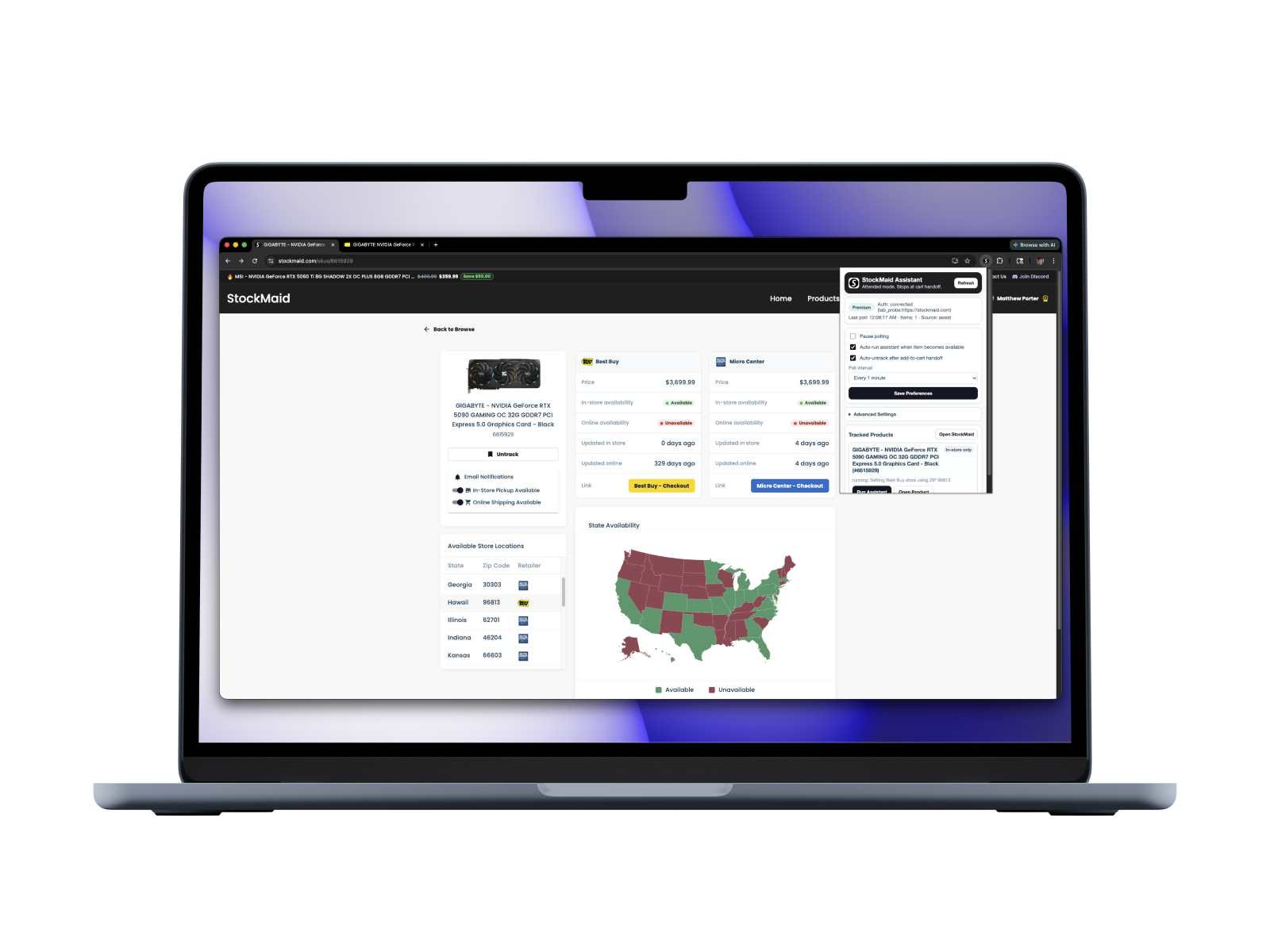
Video: Here's the full flow from detection to cart
That last part is important: the extension never completes a purchase. It doesn't enter your credit card, it doesn't click "Place Order." It gets the GPU into your cart and hands it off to you. You're always the one deciding whether to buy.
We didn't want to build another bot
If you've been in the GPU hunting space for a while, you've probably seen the GitHub repos and $50/month bot services that promise to auto-checkout everything. Most of them are a pain to set up — you're editing config files, pasting in SKUs, managing browser profiles, running scripts from a terminal. Half of them break whenever Best Buy changes a button class name.
We wanted something different. If you already have StockMaid tracking set up, the extension should just work. No config files. No entering SKUs manually. No terminal. You install it, visit stockmaid.com once so it picks up your login, and it starts monitoring. That's the whole setup.
The other thing we were deliberate about is that it handles both online shipping and in-store pickup. A lot of the 5090 drops lately have been pickup-only, and most bots don't deal with the store selection flow at all. Our extension rotates through ZIP codes in your preferred states to find stores with stock — the same state preferences you already picked during onboarding.
Getting started
If you're already a StockMaid premium member, setup takes about two minutes. Grab the extension from the Chrome Web Store, then visit stockmaid.com while logged in. The extension syncs your auth automatically — no copying tokens or API keys. Open the extension popup and you'll see your tracked products and a status indicator showing that it's polling.
From there, you just leave Chrome open. The extension does its thing in the background. When it carts something, you'll know.
Checkout Assistant is a premium feature. If you're on the free tier, you can upgrade here — your existing tracked products will carry over.
What a drop actually looks like now
Say it's a Tuesday morning and you're tracking three 5090 variants. You're at work, Chrome is open, and the extension is running in the background. Best Buy quietly restocks the Gigabyte Windforce at 10:12 AM.
Within 30 seconds, the extension detects the change. A new tab opens on the Windforce product page. The extension finds the correct Add to Cart button — not the one for the extended warranty, not the accessory bundle — the actual product. It clicks. Best Buy's pickup flow comes up, and the extension selects a store in your state. A second later, the card is in your cart.
Your phone buzzes with a Chrome notification. You tap "Go to Cart," Apple Pay your way through checkout, and you're done. The whole thing took less time than reading this paragraph.
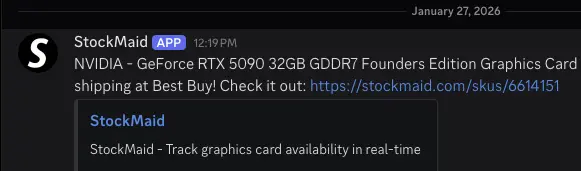
The next drop is coming
RTX 5090 restocks are still unpredictable, but they are happening — usually Tuesday and Friday mornings, usually gone within minutes. If you've been losing the race with manual checkout, the gap between you and the people who actually land cards might be smaller than you think. Sometimes it's just a matter of who clicked Add to Cart first.
The extension doesn't guarantee you'll get a card. Nothing can — demand is still insane. But it means that when stock does appear, you're not fumbling with a browser while the clock runs out. You're already in cart, ready to pay.
Set up your tracking, install the extension, and be ready next time.